
Readers, formats and paper
Three readers
Section titled “Three readers”The same site data makes a different report for each reader. You are asked who will read it when you ask for a report.
| Reader | How the report changes |
|---|---|
| Owner | The summary of observations first, then the site and its data, in plain language with photos |
| Developer | The site, then the summary of observations, then the data by topic. Capacity is never stated: only the utility can confirm it |
| Council officer | Every table in full, in the recipe’s order, with datums, units, dataset versions and dates |
Each version has its own title:
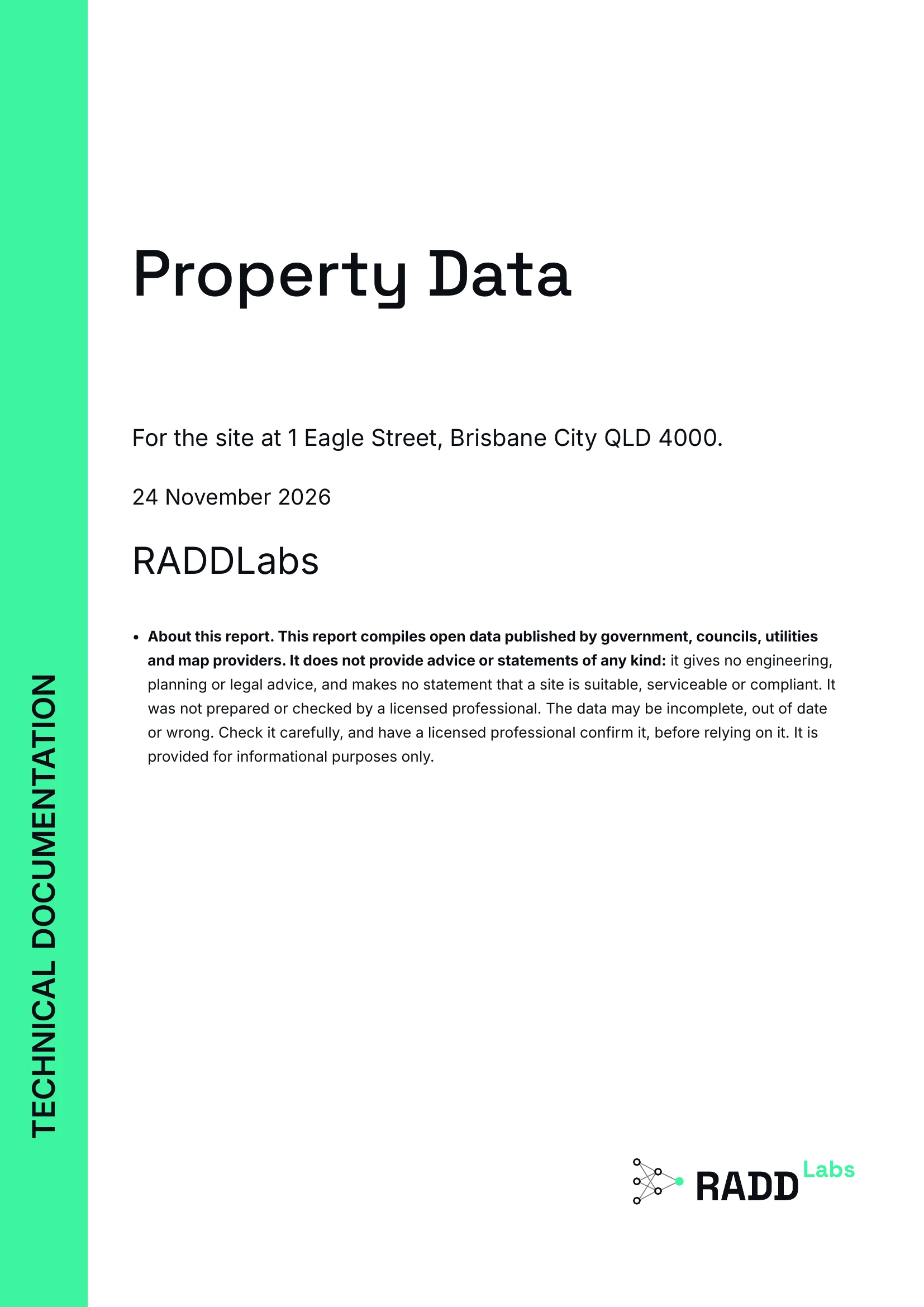
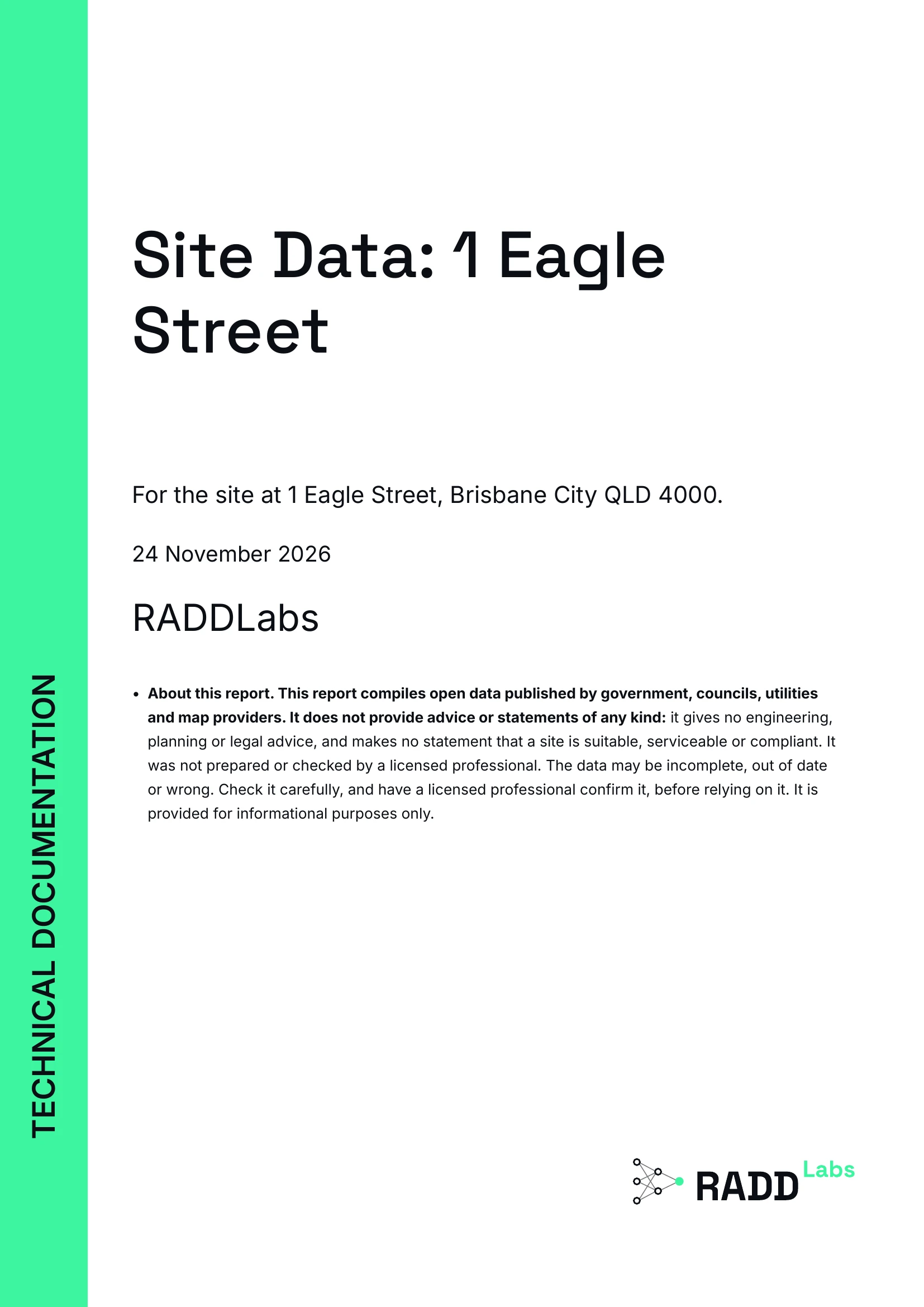
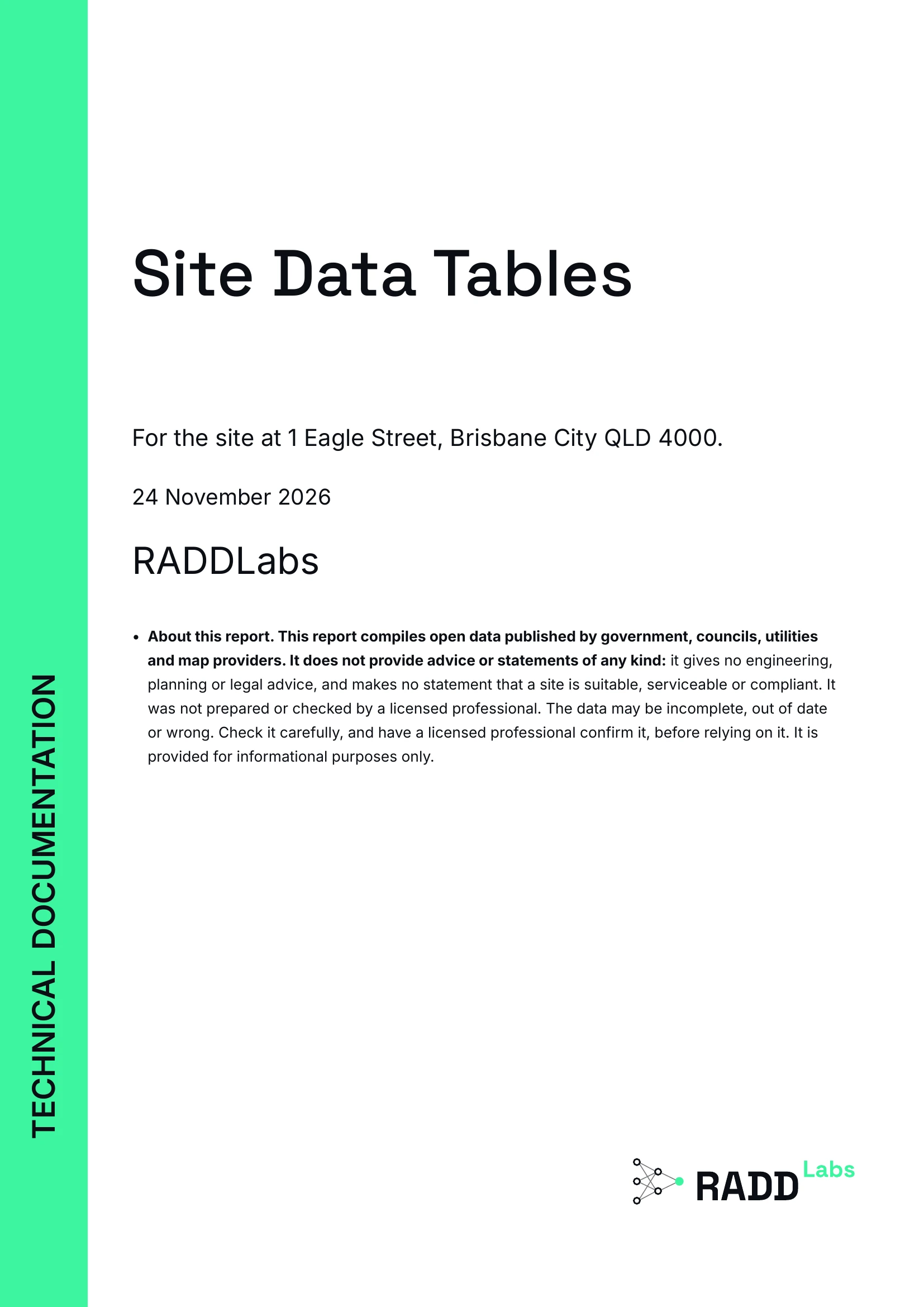
Select a page to open it at full size.
Formats
Section titled “Formats”A report comes as a PDF, a Word file and an HTML (With Interactive Maps & Charts) page, from the same content.
- PDF for sending and printing. See the sample PDF.
- Word to edit. It follows the PDF’s layout, type and colours. See the sample Word file.
- HTML for reading on a screen. It fits a phone held upright as well as a wide desktop, and wide tables scroll in their own box.
Paper and themes
Section titled “Paper and themes”- Paper: A4 or US Letter. You are offered the usual paper for your region.
- Orientation: portrait, or one of the templates whose pages are all landscape.
- Theme: light or dark.
The sample is A4, portrait, in the light theme.